Any Image Converter & Enhancer
Click to upload or drag image
High-resolution enhancement supported
Have you ever tried to upload a photo only to find out it’s the “wrong file type”? Or maybe you have a small, blurry picture that you wish was bigger and clearer?
Our Any Image Converter & Enhancer is a free, simple tool that fixes these problems instantly. You don’t need to download any heavy software, and you don’t even need to create an account. Everything happens right inside your web browser, which means your photos stay private on your computer and are never sent to a random server.
What can this tool do for you?
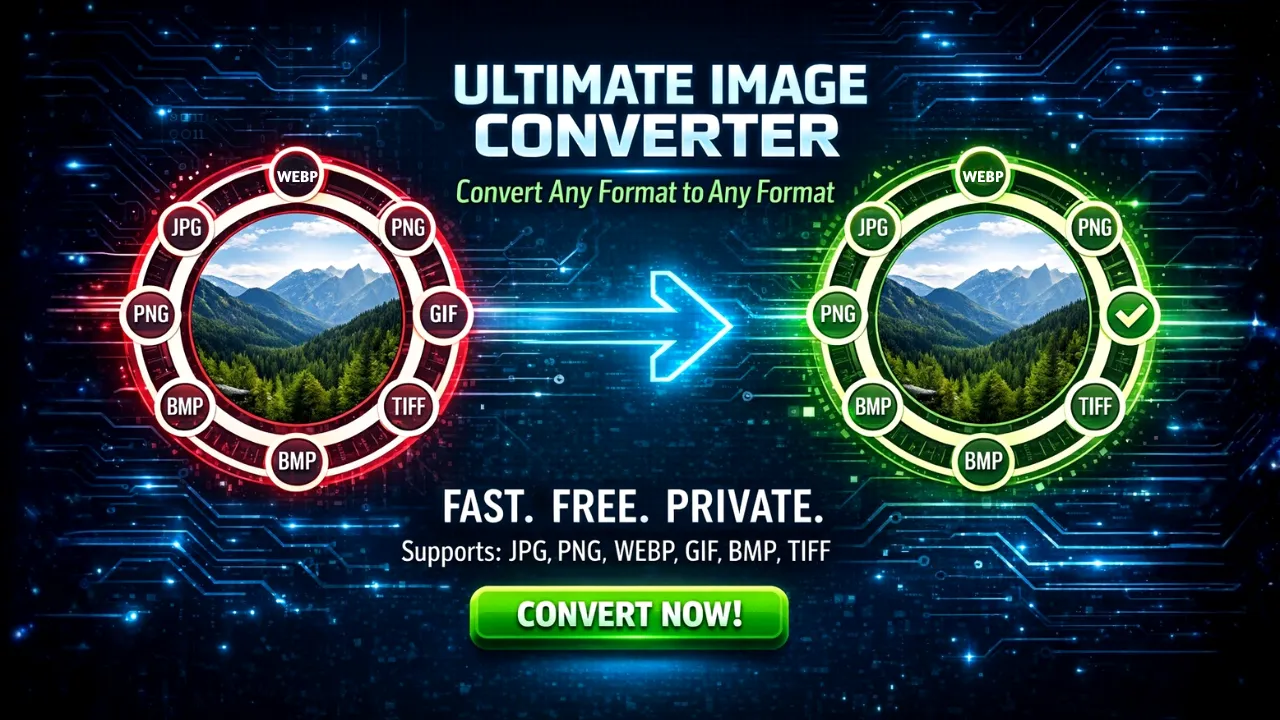
- Change File Types: Easily turn a PNG into a JPG, or a WEBP into a GIF. It works with all major formats like BMP and TIFF too.
- Make Images Clearer (2x, 3x, 4x): This is the best part! If your photo is small or a bit fuzzy, you can tell the tool to double (2x) or even quadruple (4x) the quality. It uses “Smart Smoothing” to make the picture bigger without making it look blocky.
- Control the File Size: You can choose exactly how much “quality” you want. If you need a small file for an email, slide it to “Low.” If you want a beautiful photo for printing, slide it to “Maximum.”
- Fast & Private: Because it works on your own computer (not on the internet), it is lightning fast.
How to Use Any Image Converter Tool
Using the tool is as easy as 1-2-3. Just follow these steps:
Step 1: Upload Your Photo Look for the big box that says “Click to upload.” You can click it to find a photo on your computer, or simply “drag and drop” your photo into that box. You will see a small preview of your image once it’s loaded.
Step 2: Choose Your Settings
- To Format: Look at the right side and pick what you want your new file to be (like JPG or PNG).
- Enhance Quality: Use the sliding bar. If you want a perfect image, slide it to the right (80% or 100%).
- Upscale: If you want your image to be bigger and sharper, change the “1x” to 2x, 3x, or 4x.
Step 3: Process & Download Click the blue button that says “Enhance & Process.” You will see a progress bar fill up as the tool does the hard work. Once it hits 100%, a green button will appear that says “Download Now.” Click that, and your new, improved photo will save to your computer!
Why use this instead of other tools?
In a market flooded with image editors, our Ultimate Online Image Enhancer & Converter stands out by offering a powerful, yet incredibly user-friendly experience. It prioritizes:
- Versatility: Handle a wide array of formats and enhancement needs.
- Performance: All operations are client-side, making it blazing fast.
- Privacy: Your data stays on your device, always.
- Precision: Fine-tune every aspect of your output.
Give it a try now and see the difference a 4x enhancement can make!



3 thoughts on “Any Image Converter & Enhancer| Convert Image to Different Format”