PDF to Image Converter
Upload PDF
Drag & Drop PDF or Click to Browse
Select Image Quality
Setting: Normal (Best for web/email)
Download Files
PDF 2 JPEG/PNG
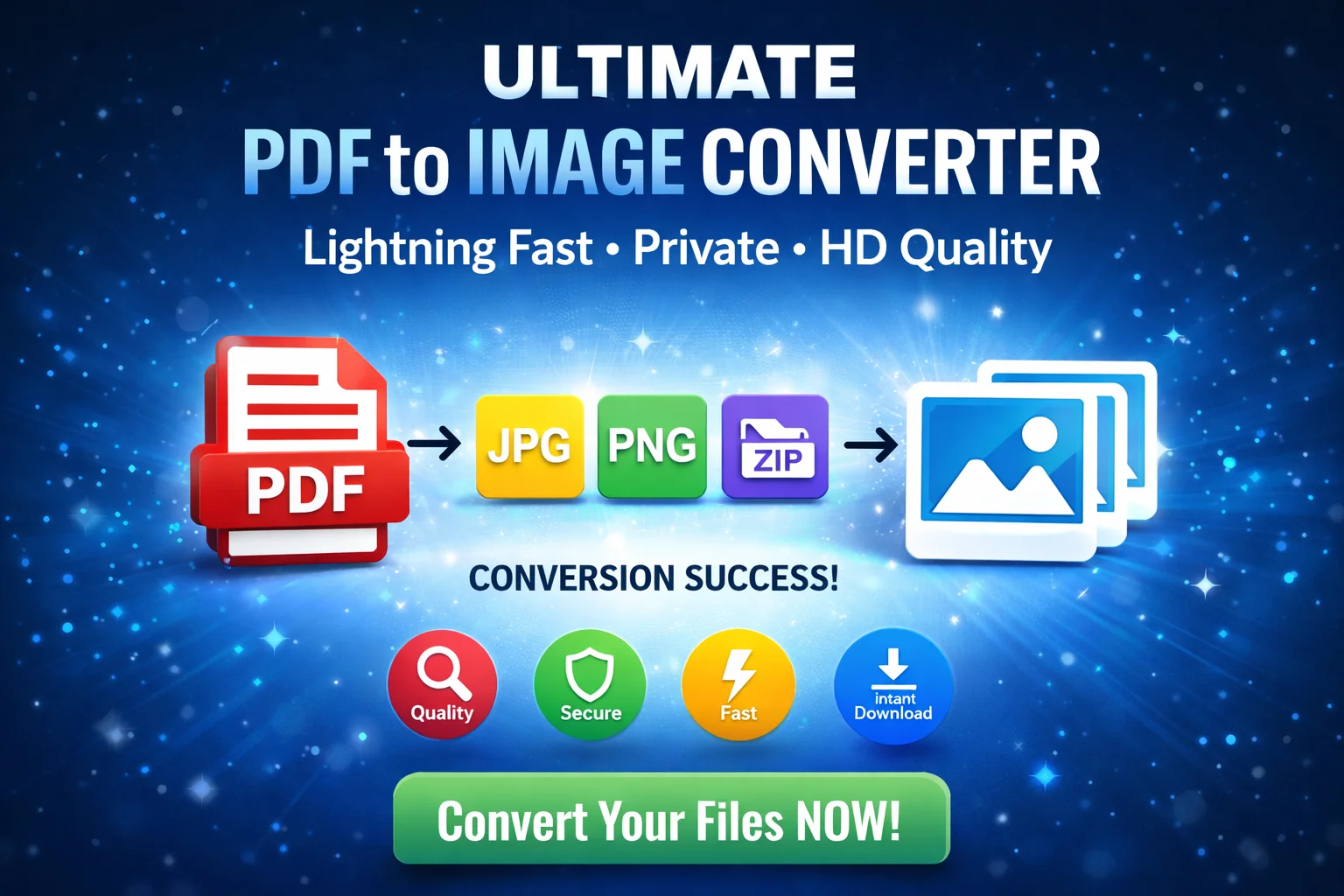
In today’s digital world, sharing a PDF isn’t always the best option, especially for social media, presentations, or quick mobile viewing. Our Free PDF to Image Converter allows you to transform your documents into high-quality JPEG or PNG files in seconds—right in your browser.
Why Use Our Converter?
Unlike other online tools, our converter processes your files locally on your device. This means your sensitive documents are never uploaded to a server, ensuring 100% privacy and lightning-fast speed.
How to Convert PDF to JPEG/PNG (Step-by-Step Guide)
Using our tool is as easy as 1-2-3. Follow these simple steps to get perfect images every time:
Step 1: Upload Your PDF
Click the “Choose PDF File” box or simply drag and drop your PDF document into the designated area. You will see the filename appear once the file is ready.
Step 2: Choose Your Quality & Format
This is where you get full control:
- Select Format: Choose JPEG for photos and smaller file sizes, or PNG if you need high-quality images with lossless compression.
- Adjust Quality Slider: * Low: Ideal for quick previews or small email attachments.
- Normal: The standard for most web uses.
- Exact: Perfect for reading fine text on screens.
- High Quality: Best for printing or professional presentations (HD resolution).
Step 3: Convert and Download
Click the “Convert Now” button. You can watch the real-time progress bar as our engine renders each page. Once finished:
- Individual Pages: You can download specific pages one by one from the preview grid.
- Bulk Download: If your PDF has multiple pages, click the “Download All Pages (ZIP)” button at the bottom to save everything in one organized folder.
Features of PDF to JPEG Converter
- No Registration Required: Start converting immediately without an account.
- High-Speed Processing: Powered by the latest PDF.js technology.
- Privacy First: Your files stay on your computer; we never see your data.
- Mobile Friendly: Works perfectly on smartphones, tablets, and desktops.
- Completely Free: No hidden costs, no watermarks, and no file limits.
Frequently Asked Questions (FAQ)
Q: Is there a limit on the number of pages I can convert?
A: No! Whether your PDF is 1 page or 100, our tool can handle it.
Q: Will the quality of my text stay sharp?
A: Yes. By selecting the “High Quality” setting on the slider, the tool renders the PDF at 300 DPI, ensuring the text remains crisp and readable.
Q: Does this work on Mac, Windows, and Linux?
A: Yes, it is a web-based tool that works on any operating system with a modern browser like Chrome, Firefox, or Safari.